
Computer Maintenance, Upgrades & Setup
Keep Your Computer Running at Its Best
Maintenance, upgrades, and new computer setup to improve performance, reliability, and make everyday technology easier to use.
Request Service ↗
WHAT WE CAN HELP WITH
Computer Maintenance, Upgrades & Setup Services
Tell us what’s happening. We’ll help identify the cause and discuss a practical next step.
- ✓Computer cleanup, health checks, and performance improvements
- ✓Windows updates and software installation
- ✓SSD, storage, and memory upgrades
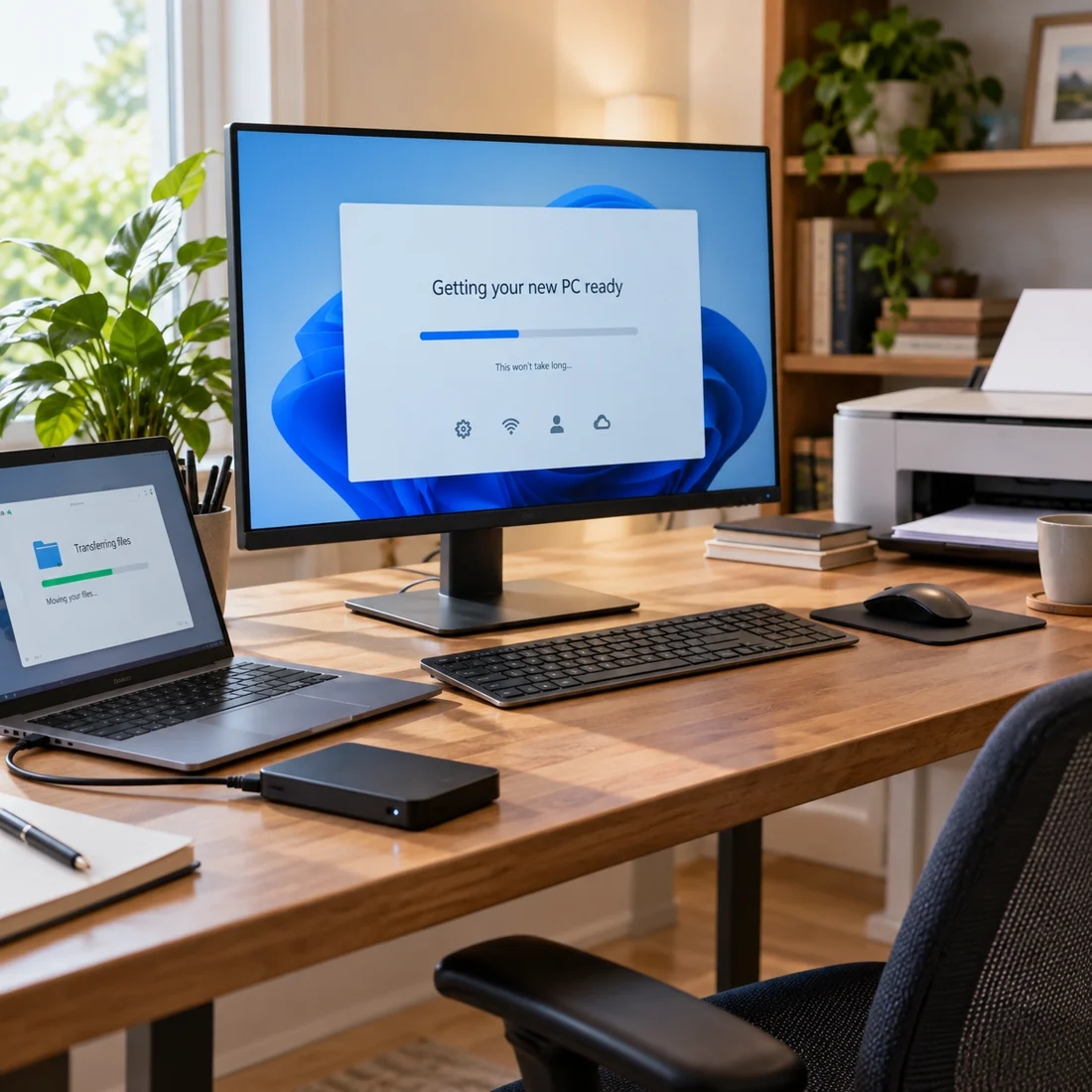
- ✓New computer setup
- ✓Moving files from your old computer
- ✓Printer and device setup
- ✓Backup setup and recommendations
- ✓Advice on upgrading or replacing your computer

PRACTICAL HELP. CLEAR ANSWERS.
Upgrade, Maintain, or Replace?
An aging computer does not always need replacing. Cleanup, more memory, or faster storage may help, depending on the device. We look at the value of an upgrade before recommending it. If replacement makes more sense, we can help set up the new computer and transfer your files.
Mac support covers software, setup, updates, networking, printers, data migration, and general maintenance. We do not perform Mac hardware upgrades or internal hardware replacement.
GOOD TO KNOW
Frequently Asked Questions
Let’s make the next step clearer.
What does computer maintenance include?+
Maintenance can include cleanup, system health checks, updates, configuration, startup improvements, and backup recommendations. We’ll talk through what your computer needs.
Can you upgrade my existing computer?+
We assess compatibility, condition, and value before recommending Windows PC memory or storage upgrades.
Can you upgrade my computer to an SSD?+
Yes, for compatible Windows PCs. We assess the device and discuss storage, setup, and data transfer requirements first.
Do you set up new computers and devices?+
Yes. We help with computer setup, software, updates, printers, peripherals, and backup options.
Can you transfer files from my old computer to my new one?+
Yes. We assess the source device and destination, then discuss which files can be transferred and the scope of the work.
Should I upgrade my old computer or replace it?+
We compare your computer’s condition and needs with the likely value of an upgrade. If replacement is the better option, we can help with setup and file transfer.
Is remote support available for maintenance or setup?+
Software, configuration, and some maintenance tasks can be handled remotely when appropriate. Physical upgrades require hands-on work.
Do you perform hardware upgrades on Macs?+
No. Mac help includes software, setup, updates, networking, printers, migration, and general maintenance, but not internal hardware work.
LET’S GET IT WORKING
Tell us what’s
giving you trouble.
Share your device, location, and a brief description of the issue. We’ll help you figure out the next step.
(208) 518-9379 ↗Tuesday–Saturday · 8:00 AM–5:00 PM
Request service
Choose the easiest way to reach us.
Request service online ↗Call i7 Technologies ↗Send a text ↗Email support@i7tech.net ↗Message on WhatsApp ↗We’ll get back to you to confirm your appointment. Please do not send passwords or authentication codes.